Home / Architecture portfolio layout tool
Architecture portfolio layout tool

Portfolio layout for Part 1, Part 2 and studio boards

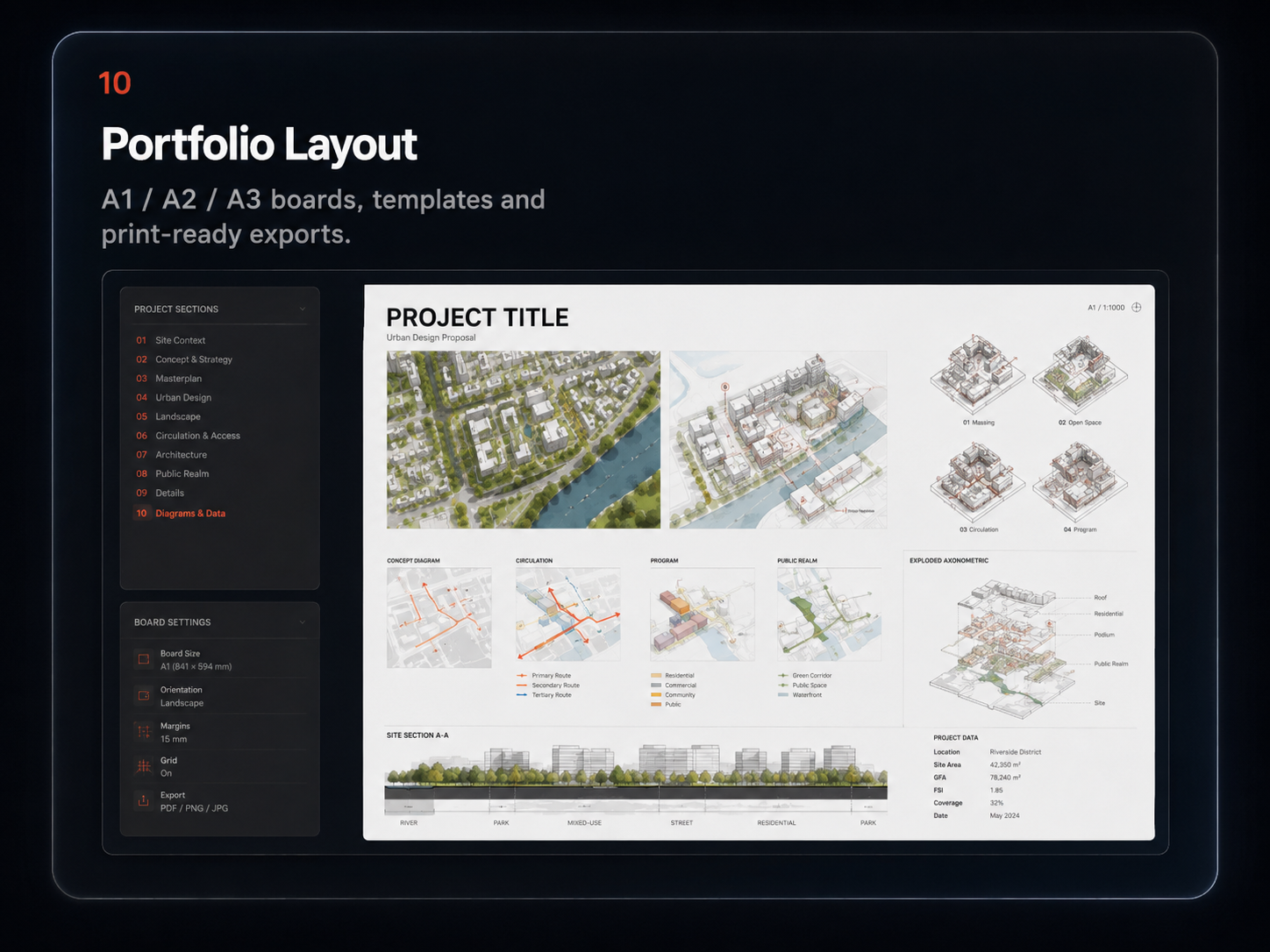
The work is already done. What decides whether a practice reads past page three is the layout — one grid, one type hierarchy, one set of margins, held across forty pages. Layout Board gives you those grids in the browser: A3 landscape for the application PDF you send out, A1 and A2 for the crit wall and competition sheets.

A1 · A2 · A3Designed gridsPrint readyNo InDesign
Architecture portfolio layout board composed in MapToNap
Two different documents

The application PDF and the crit wall are not the same job

Part 1 and Part 2 applications

A3 landscape, read on a screen, often skimmed in under two minutes and usually forwarded by email. It needs tight editing, a consistent grid and a file size that actually arrives.

Studio, crits and competitions

A1 and A2, read from two metres away. Different hierarchy, bigger type, fewer things per sheet. The same project, laid out a completely different way.

One project, both outputs

Compose once and rearrange for the other format instead of rebuilding the page from zero every time the deadline changes shape.

How it works

From loose images to a finished spread in three steps

Choose the format

A3 for the portfolio PDF, A1 or A2 for the board, depending on who is going to look at it and from how far away.

Select a layout

Start from a designed grid and fill the frames with drawings, diagrams, renders and photographs rather than nudging boxes by eye.

Polish and export

Adjust spacing and visual hierarchy until the page holds together, then export print-ready output for sending or printing.

For UK applications

What practices actually receive

Qualifying as an architect in the UK runs through three stages prescribed by the Architects Registration Board, commonly called Part 1, Part 2 and Part 3. Most applications for Part 1 and Part 2 architectural assistant roles arrive the same way: a one-page CV and a portfolio PDF, by email, competing with a large pile of others.

Size it to be openable

A portfolio that bounces from an inbox never gets read. Keep the sent version compressed, and bring the full-resolution book to interview.

Edit harder than feels comfortable

A few complete projects, shown properly, beat everything you have ever made shown briefly. Depth is the thing being assessed.

Show the thinking, not only the render

Site analysis, concept and process drawings are what demonstrate how you work. They are also the pages most applicants leave out.

Frequently asked questions

Clear answers before you start

What is a Part 1 portfolio?

In the UK, qualifying as an architect runs through three stages prescribed by the Architects Registration Board, commonly called Part 1, Part 2 and Part 3. A Part 1 portfolio is the document a graduate sends to practices when applying for a Part 1 architectural assistant role after an undergraduate degree. A Part 2 portfolio does the same job after a postgraduate degree such as an MArch, and usually shows more resolved technical and professional work.

Should an architecture portfolio be A3 or A4?

A3 landscape is the most common format for UK applications because drawings and spreads read well at that size on screen. A4 is more portable in print. The decisive constraint is usually the file size a practice can receive by email, so many applicants send a compressed A3 landscape PDF and bring a fuller version to interview.

How long should a portfolio be?

Practices differ, and most say the same thing: a short, edited book of a few complete, well-presented projects reads better than everything you have ever made. Show the reasoning as well as the final image, because the process drawings are what demonstrate how you think.

Do I need InDesign?

No. Layout Board puts common architecture page and board grids directly in the browser, so a coherent layout does not depend on owning or learning a desktop publishing licence.

Does it support A1, A2 and A3?

Yes. A3 suits application PDFs and portfolio spreads, while A1 and A2 suit studio pin-ups, crits and competition sheets.

Can I use my own images?

Yes. Layout Board works with MapToNap outputs and with any other project images, renders, photographs or scanned drawings you bring to it.
Related tools

Fill the pages before you lay them out